
Description
Bongoto Snippets (Free)
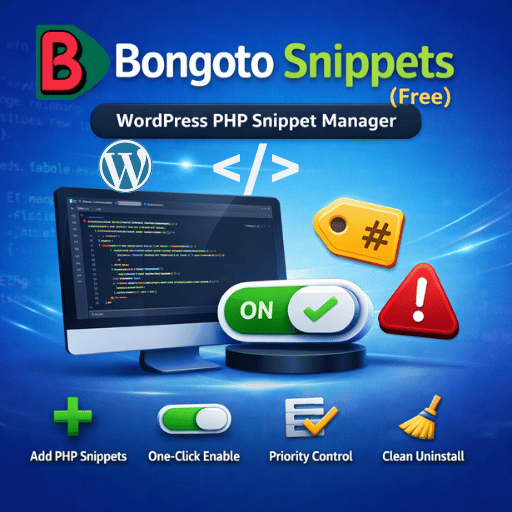
Bongoto Snippets lets you add extra PHP code (functions) from your WordPress Admin Panel—quickly and cleanly—without editing functions.php.
✅ What you can do
-
Add unlimited PHP (Functions) snippets from Dashboard
-
Enable/Disable snippets instantly with a switch toggle
-
Edit/Delete snippets anytime
-
Organized list view with snippet type, modified date, priority
-
Bulk actions: Activate, Deactivate, Delete
-
Clean admin UI inspired by premium snippet managers
✅ Perfect for
-
Adding custom WordPress functions
-
Quick fixes and lightweight customizations
-
Developers and site owners who want a simple snippet manager
Bongoto Snippets PRO (Add-on)
Upgrade to Bongoto Snippets PRO to unlock more snippet types and premium tools.
🔓 PRO unlocks
-
Add HTML Snippets (footer/header output)
-
Add CSS Snippets (auto output in
wp_head) -
Add JS Snippets (auto output in
wp_footer) -
License panel inside WordPress Admin
-
Priority-based snippet loading and better controls
👉 Get PRO License here:
https://bongoto.com/product/bongoto-snippets-pro-license/
Key Features (Bullet List)
-
✅ Add PHP snippets from WP Admin
-
✅ Toggle snippets ON/OFF instantly
-
✅ Edit / Delete snippets anytime
-
✅ Bulk actions supported
-
✅ Priority-based execution
-
✅ Lightweight and fast
-
✅ Clean admin UI + Bongoto branding
Installation
-
Download the plugin ZIP
-
Go to WordPress Dashboard → Plugins → Add New → Upload Plugin
-
Upload ZIP and click Activate
-
Go to Bongoto Snippets → Add New and create your first snippet
Requirements
-
WordPress 5.5+
-
PHP 7.4+ (Recommended)
-
Administrator access



Reviews
There are no reviews yet.